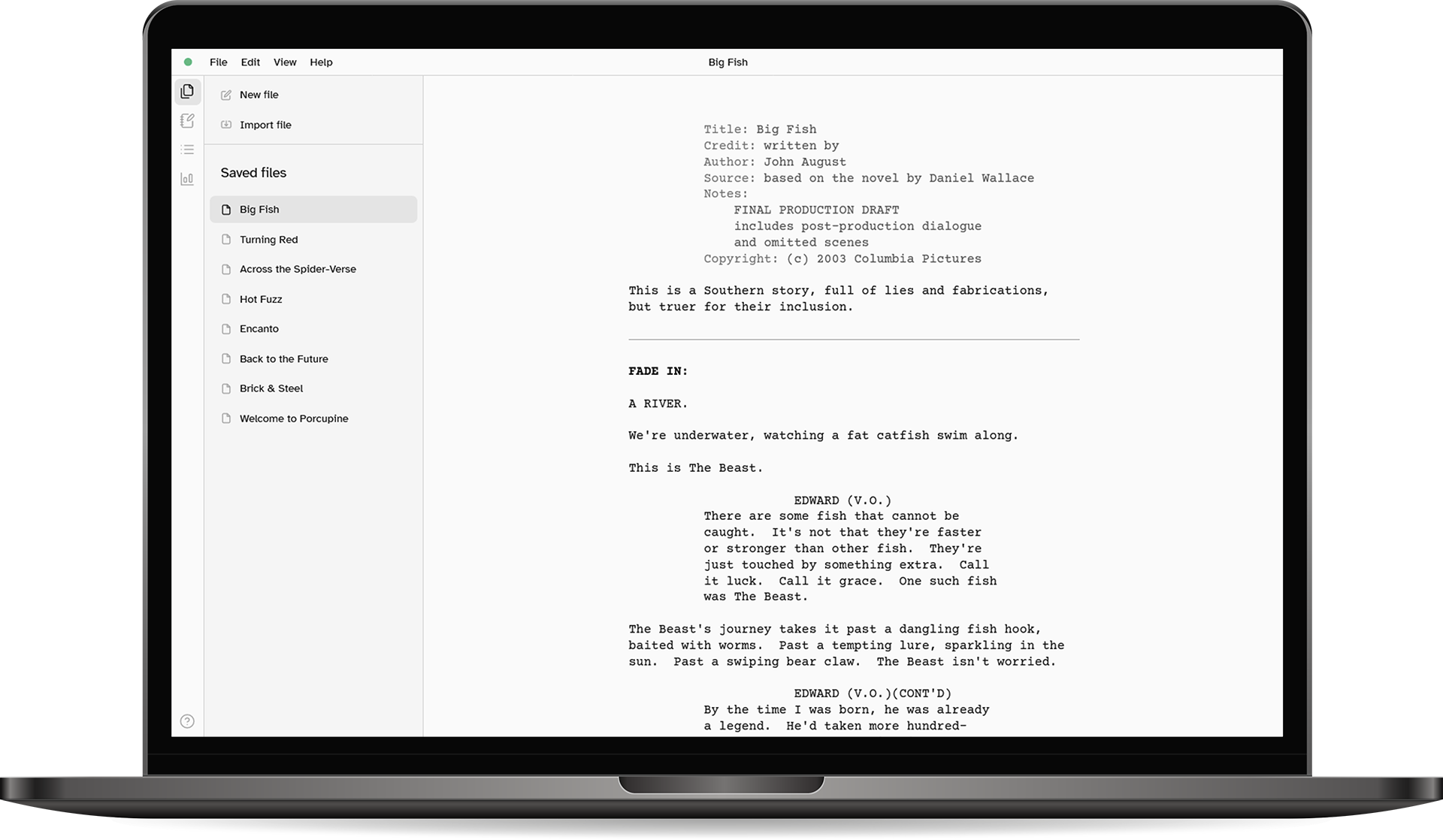
Just Write
Porcupine works out what you're writing as you write it and automatically formats everything for you.
No need to memorise shortcuts or manually style the page, just focus on telling your story.
Simple by Design
Porcupine is clean, easy-to-use and distraction-free straight out-of-the-box.
Sidebar getting in your way? Hide it for a truly minimalist writing experience.
Use It Anywhere
Porcupine runs on everything (Windows, Mac, ChromeOS, etc.), on any modern desktop browser, or offline as a web app.
No accounts, registration or downloads needed, just open it up and start writing, no matter where you are.
Easy Export
Instantly export your screenplays as Fountain files, compatible with virtually all other screenwriting apps, or industry-standard PDFs, ready to share or print.
You can also easily import existing Fountain files into Porcupine.
Everything You Need
All the essential features you expect and need to write comfortably and confidently are here:
- Autosave with version history
- Built-in notepad, overview and screenplay stats (pages, duration, etc.)
- Simple file management tools
- Dark mode
Your Files Are Yours
Porcupine doesn't collect, upload or read anything. Everything stays on your computer, inside your browser.
Your files are stored as Fountain files, a readable, plain-text format which is portable and future proof. You're always free to export your files, and never stuck using Porcupine if it's not for you.